



Website maintenance includes security updates, plugin and CMS upgrades, malware scans, off site backups, speed audits, SEO monitoring, bug fixes, content updates, uptime monitoring, and compliance reviews. These tasks run on five schedules: daily, weekly, monthly, quarterly, and annual. If you skip one category, its specific failure follows. For example, missed backups cause permanent data loss. Missed updates invite exploits. Missed speed work drops rankings.
This website maintenance checklist covers every task, how often it runs, and how to verify it happened. Use it as a complete website maintenance checklist when you review a proposal or audit your current provider. Our website maintenance services follow this same schedule.
What Tasks Does Website Maintenance Cover
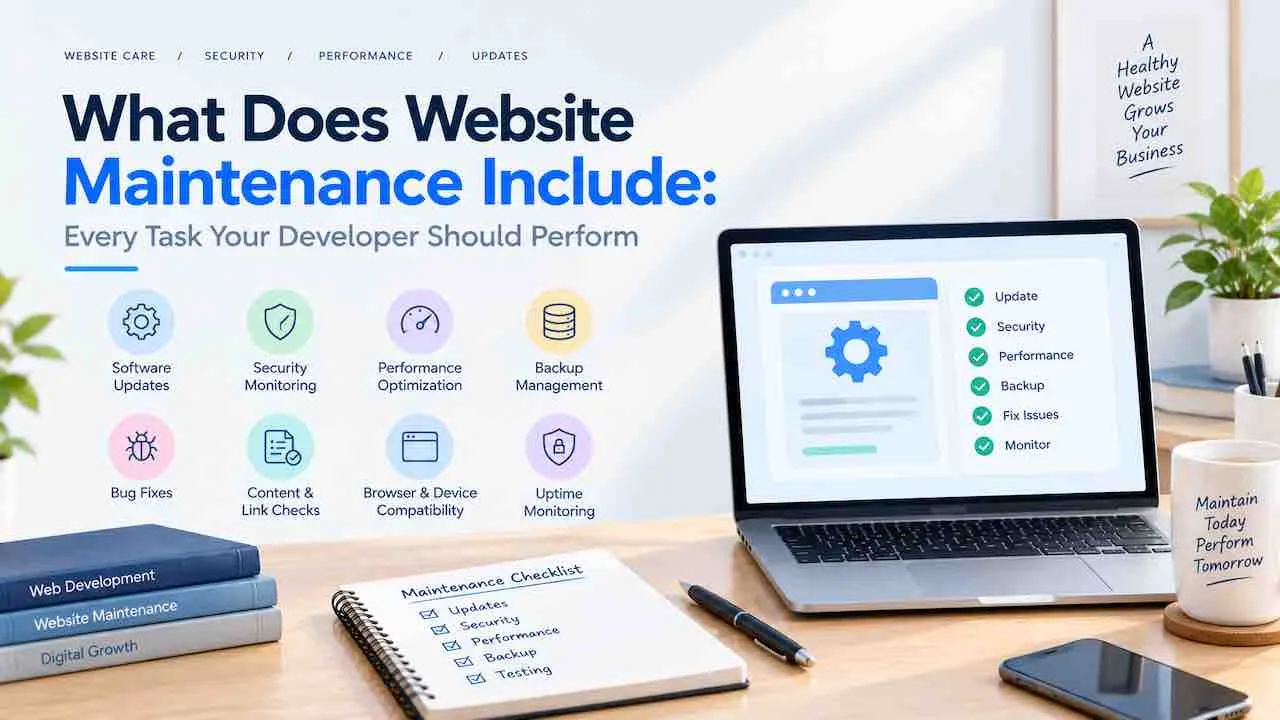
Website maintenance covers eight task groups: security, backups, performance, SEO, bug fixing, content, uptime, and compliance. Together these website maintenance activities form the website maintenance tasks list below. Each group runs on its own schedule. Also, each group has its own owner. Clear website maintenance responsibilities prevent gaps between your developer, your host, and your marketing team.
For small businesses, the list stays the same. Instead, only the tooling and budget change. So what does website maintenance include for small businesses? Every group above, run monthly by one provider, with a written report.
Website Security Maintenance and Software Update Tasks
Security maintenance means patching software before attackers exploit known flaws. Accenture’s cybercrime research found that nearly 43% of cyberattacks target small and medium businesses. Because attackers scan for known flaws, outdated software is a common entry point. As a result, website security updates are the most time sensitive task on the list.
Website CMS Updates and Website Plugin Updates (Monthly)
- Update the CMS core to the latest stable release after reading the changelog.
- Update every active plugin and remove plugins the developer no longer maintains.
- Update the active theme and delete unused themes.
- Confirm the server runs a PHP version that still receives security patches.
- Test every update on a staging copy before it reaches the live site.
For WordPress sites, this is the core of WordPress maintenance. Website maintenance tasks for WordPress also include removing unused plugins and reviewing admin users. Also, abandoned plugins stay vulnerable even when they appear to work.
Security Monitoring Tasks
- Run a malware scan every week with Wordfence, Sucuri, or your host’s scanner.
- Review the full scan report monthly for modified core files and failed logins.
- Run website vulnerability scanning after every major plugin or theme change.
- Verify the website SSL certificate monthly and renew it before the 30 day mark.
- Audit user permissions quarterly and remove access nobody needs.
- Review firewall rules quarterly to confirm they block current attack patterns.
An expired SSL certificate triggers browser warnings. Then visitors leave at once. Because of that, SSL verification belongs on the monthly list.
Website Backup Service: Tasks a Reliable Backup Plan Must Include
A reliable backup plan stores daily copies off site and proves they restore. When you hold a clean, recent, tested backup, every other failure is recoverable. Without one, a hack or server failure can end the site. Yet restoration testing is the task most maintenance plans omit.
- Run a full automated backup daily, covering all files and the database.
- Store copies off site, such as Amazon S3 or Google Cloud Storage.
- Verify monthly that backups complete, using file sizes and timestamps.
- Restore a backup to staging each quarter and confirm the site works.
- Keep at least 30 days of daily backups for slow, unnoticed infections.
If a backup lives on the live server, it fails with the server. Instead, treat an untested backup as a guess, not a safeguard. For example, ecommerce sites that take daily orders need near real time backups.
Website Performance Maintenance and Speed Optimization Tasks
Performance maintenance protects Core Web Vitals, which affect rankings, user experience, and conversions. When pages load slowly, visitors leave before the content appears. Also, speed drifts over time as plugins, images, and scripts accumulate. Our guide on improving page load speed covers the fixes in detail.
Monthly Website Speed Optimization Tasks
- Run PageSpeed Insights on the homepage and three to five key landing pages.
- Record Largest Contentful Paint, Interaction to Next Paint, and Cumulative Layout Shift.
- Review the Core Web Vitals report in Google Search Console for pages marked Poor.
- Confirm new images are compressed and served in WebP where browsers allow.
- Verify browser and server caching still work after every update.
Quarterly Website Database Maintenance Tasks
- Delete post revisions, spam comments, transients, and orphaned records.
- Review CDN routing to confirm static assets load from the nearest edge node.
Because an uncleaned database slows with every month of new content, database optimization matters. Also, a misconfigured cache after an update is a common cause of sudden speed loss.
Website SEO Maintenance and Analytics Tasks
SEO maintenance monitors indexing, rankings, and technical health so pages do not drop out of Google unnoticed. When a page leaves the index, it looks normal to visitors. Yet it earns zero organic traffic. Still, only Search Console shows the problem.
Monthly SEO Tasks
- Review Search Console for coverage errors, manual actions, and security issues.
- Run a broken link checker across internal and external links.
- Review sessions, traffic sources, and landing page trends in Google Analytics.
- Confirm the XML sitemap returns a 200 status and was submitted recently.
- Validate schema markup in the Rich Results Test after any plugin update.
- Update the dateModified value whenever page content changes in a meaningful way.
- Track keyword rankings and flag drops of more than five positions.
- Monitor competitors who update content on keywords you rank for.
Next, pay attention to bounce rate. Our explainer on bounce rate in Google Analytics shows which maintenance tasks move it. Also, a plugin update can break FAQ schema without any visible change. Then the page silently loses its rich result.
Quarterly SEO Tasks
- Crawl the site with Screaming Frog, Ahrefs, or Semrush to find duplicate and thin pages.
- Fix issues in priority order using the SEO checklist.
- Resolve duplicate content before it spreads across templates.
- Flag pages that lost 20% of impressions in a year as content decay.
- Walk the main conversion path as a new visitor and note any friction.
- Review internal links so important pages stay within three clicks of the homepage.
Bug Fixing and Cross Device Testing
Bug fixing resolves broken layouts, script conflicts, and integration failures that appear after browsers and third party tools update. A layout that works in Chrome can break in Safari after a WebKit update. Likewise, a checkout that worked last month can fail after a payment gateway changes its API.
- Test key pages on iOS and Android at 375, 768, and 1024 pixel widths.
- Verify every page in Chrome, Firefox, Safari, and Edge.
- Submit every form and complete one full checkout transaction.
- Confirm chatbots, booking tools, payment processors, and embeds still load.
A broken checkout shows no error to the owner. Instead, it loses sales quietly until someone tests it.
Website Content Updates and Content Maintenance Tasks
Content maintenance keeps prices, services, contacts, and claims accurate so visitors never meet outdated information. First, outdated content damages trust. Also, in regulated fields such as finance, health, and law, it creates compliance risk.
- Test contact, quote, and lead forms monthly and confirm messages reach the right inbox.
- Review 404 errors and add 301 redirects to the closest current page.
- Review pricing, team, service, and contact pages for accuracy.
- Audit every page each quarter for relevance and thin content.
- Refresh statistics and tool references in older blog posts.
Website Uptime Monitoring and Server Maintenance
Uptime monitoring runs around the clock and alerts you within minutes when the site goes down. Professional sites target 99.9% uptime, which allows about 8.8 hours of downtime per year. Without monitoring, an outage can last days before anyone notices.
- Use UptimeRobot, Pingdom, or StatusCake that poll your site every one to five minutes.
- Send alerts by SMS and email so the right person sees them fast.
- Review server error logs monthly for repeated 500 errors and timeouts.
- Review disk, memory, and bandwidth trends each quarter.
- Reassess the hosting plan annually against current traffic.
Compliance and Website Accessibility Maintenance
Compliance maintenance keeps cookie consent, privacy pages, and accessibility aligned with the laws that apply to your visitors. GDPR covers visitors in the European Union. Also, the Americans with Disabilities Act affects many sites in the United States. Even when the site is fast and secure, noncompliance carries legal risk.
- Test the cookie banner monthly and confirm no tracking tag bypasses consent.
- Review privacy and terms pages quarterly after any new integration.
- Audit key pages annually against WCAG 2.1 Level AA with WAVE or Axe.
- Test with a screen reader to catch what automated tools miss.
Website Maintenance Checklist by Frequency
Use this table to confirm every task runs on the right schedule in your website maintenance plan. It lists daily, weekly, and monthly website maintenance tasks plus quarterly and annual ones. Also, it works as a website maintenance services list you can hand to any provider.
| Task | Daily | Weekly | Monthly | Quarterly | Annual |
|---|---|---|---|---|---|
| Uptime monitoring | ✓ | ||||
| Automated backup | ✓ | ||||
| Malware scan | ✓ | ||||
| CMS and plugin updates | ✓ | ||||
| SSL verification | ✓ | ||||
| Broken link scan | ✓ | ||||
| Page speed audit | ✓ | ||||
| Search Console review | ✓ | ||||
| Keyword and competitor monitoring | ✓ | ||||
| Form and checkout testing | ✓ | ||||
| Cross device and browser testing | ✓ | ||||
| Backup verification | ✓ | ||||
| Cookie consent test | ✓ | ||||
| Database cleanup | ✓ | ||||
| Backup restoration test | ✓ | ||||
| Technical SEO and content audit | ✓ | ||||
| User permissions review | ✓ | ||||
| Domain and SSL renewal | ✓ | ||||
| Hosting plan review | ✓ | ||||
| Accessibility audit | ✓ |
This answers how often website maintenance should be performed: some tasks run daily, most run monthly, and audits run quarterly or yearly. Treating a monthly task as quarterly is the most common scheduling error.
What to Expect From Website Maintenance Services
Expect a written report every month that lists each task performed, what it found, and what needs a decision. If a provider cannot produce this report, it is fixing problems reactively. Then you are buying a different and weaker service. If you wonder what should I expect from website maintenance services, start with the report.
- Software log with CMS, plugin, and theme versions updated.
- Security scan date, tool, findings, and the fix applied.
- Backup timestamp, storage location, and file size.
- Uptime percentage and details of any downtime event.
- Speed scores before and after any optimization.
- Search Console errors, crawl issues, and new manual actions.
- Broken links found and the action taken for each.
- Open items that need your budget approval.
How to Verify Your Developer Is Performing These Tasks
Keep owner access to your own accounts and compare them with the monthly report. Tasks included in monthly website maintenance differ from quarterly and annual tasks, so ask which schedule each one follows. Every task website maintenance covers should appear in a written schedule you can audit.
- Keep owner level access to Google Search Console and review the Coverage report yourself.
- Request the backup dashboard or a monthly timestamp of the latest successful backup.
- Ask for read access to the uptime monitoring dashboard.
- Test SSL validity and expiry at ssllabs.com in under a minute.
- Log in to your CMS and confirm no updates are pending.
Website Hosting vs Website Maintenance
Hosting provides the server. Maintenance keeps the website secure, updated, fast, and working on that server. Managed hosting handles server patches and uptime. Also, it does not run CMS updates, content audits, backup restoration tests, or SEO monitoring. Instead, those tasks stay with the site owner or the maintenance provider on every hosting tier.
What Happens When Website Maintenance Is Skipped
Skipping maintenance builds hidden risk that turns into one expensive failure at a random date. In most cases, recovery costs far more than the maintenance would have.
| Skipped Task | Typical Consequence |
|---|---|
| Plugin updates | A known flaw is exploited and the site is compromised |
| Tested backups | A hack or server failure causes permanent data loss |
| SSL renewal | Browser warnings drive visitors away |
| Uptime monitoring | The site stays down for days unnoticed |
| Speed maintenance | Core Web Vitals fail and rankings slip |
| Search Console review | Pages leave the index and traffic falls silently |
Quick Digital • Website Maintenance Since 2014
Every Task on This List. Delivered Monthly. Reported in Writing.
Quick Digital runs every security, backup, performance, SEO, and content task on this checklist. You receive a written report each month confirming what was done.
See Our Website Maintenance Services
Get a Free Maintenance Quote
Frequently Asked Questions About Website Maintenance
A package includes security updates, malware scans, SSL monitoring, off site backups, restoration tests, speed audits, Search Console monitoring, broken link fixes, uptime monitoring, and a written monthly report. A package without restoration tests or uptime monitoring is incomplete.
Backups and uptime monitoring run daily, malware scans weekly, updates and link scans monthly, audits quarterly, and renewals annually. The costliest error is treating a monthly task as a quarterly one.
Maintenance covers recurring technical tasks that keep a site secure, fast, and working. Management covers strategic changes such as new content, design updates, and features. Most packages cover maintenance only.
Monthly work includes CMS and plugin updates, SSL verification, broken link scans, a speed audit, Search Console review, form testing, backup verification, and cross device testing. A written report should follow each cycle.
Skipped maintenance builds hidden risk that ends in one costly failure. Typical failures include a hack through unpatched plugins, data loss without a tested backup, or a ranking drop from failing Core Web Vitals.